Harmony, Bluetooth Adaptor for Harmony 3 and Hi Low Beds, BLUETOOTH
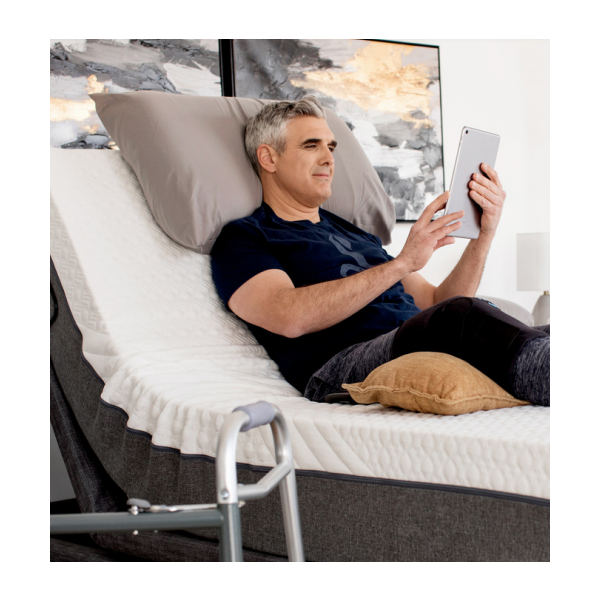
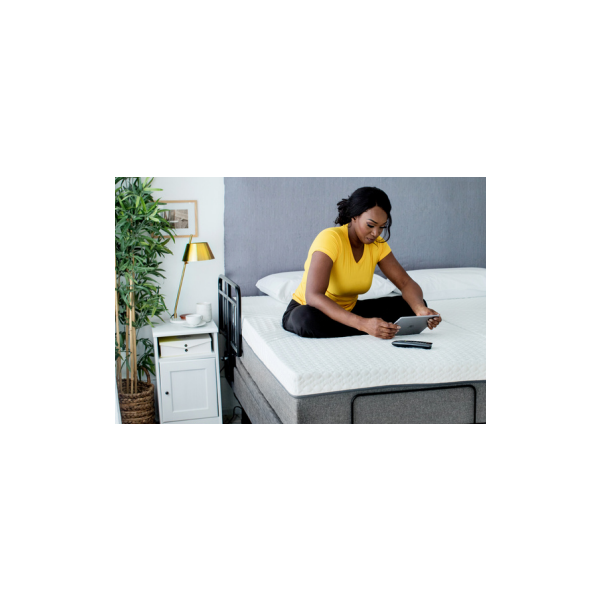
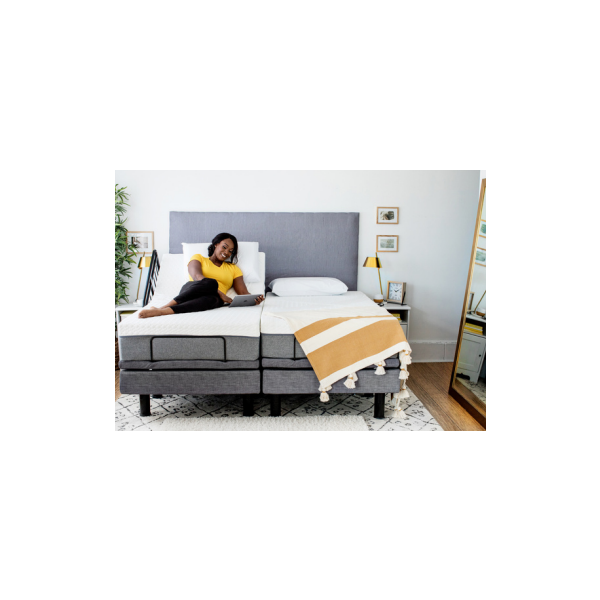
Harmony, Bluetooth Adaptor for Harmony 3 and Hi Low Beds, BLUETOOTH
$259.00
Harmony Bluetooth Adapter from Golden Technologies
Connect the Harmony 3 or Hi Low bed easily to your smart devices
Free shipping on product orders over $200 (rentals excluded)
Paying with ADP, March of Dimes, VAC or insurance? See funding options
See it in person at our Mississauga showroom, 5-3600A Laird Rd. (Mon–Fri, 9–5)
Questions about sizing or options? Call 905-608-9225 or toll-free 1-877-689-9789
Harmony Bluetooth Adapter
Getting Started:
- On your smart phone or tablet download the 'Comfort Enhancements Plus' app
- Make sure the Bluetooth feature is turned on your
smart device - Locate the outlet labelled 'secondary' on the
Harmony 3 or Harmony Hi Low control box - Connect the Harmony Bluetooth adapter to the
control box by plugging it into the 'secondary'
outlet - Unplug the bed from the power source for 2
minutes to reset the control box - Plug the bed back into the power source
- Follow the instructions on the app to connect the
Harmony Bluetooth adapter to your device - Control your Harmony bed remotely using the app
on your device